
Built for multi-store laundromat operators
Every machine earning. Every repair moving. Every store in view.
LaundryManagerPro is the command center for laundromat owners — repair tracking, preventive maintenance, and machine-level profitability, in English and Spanish.
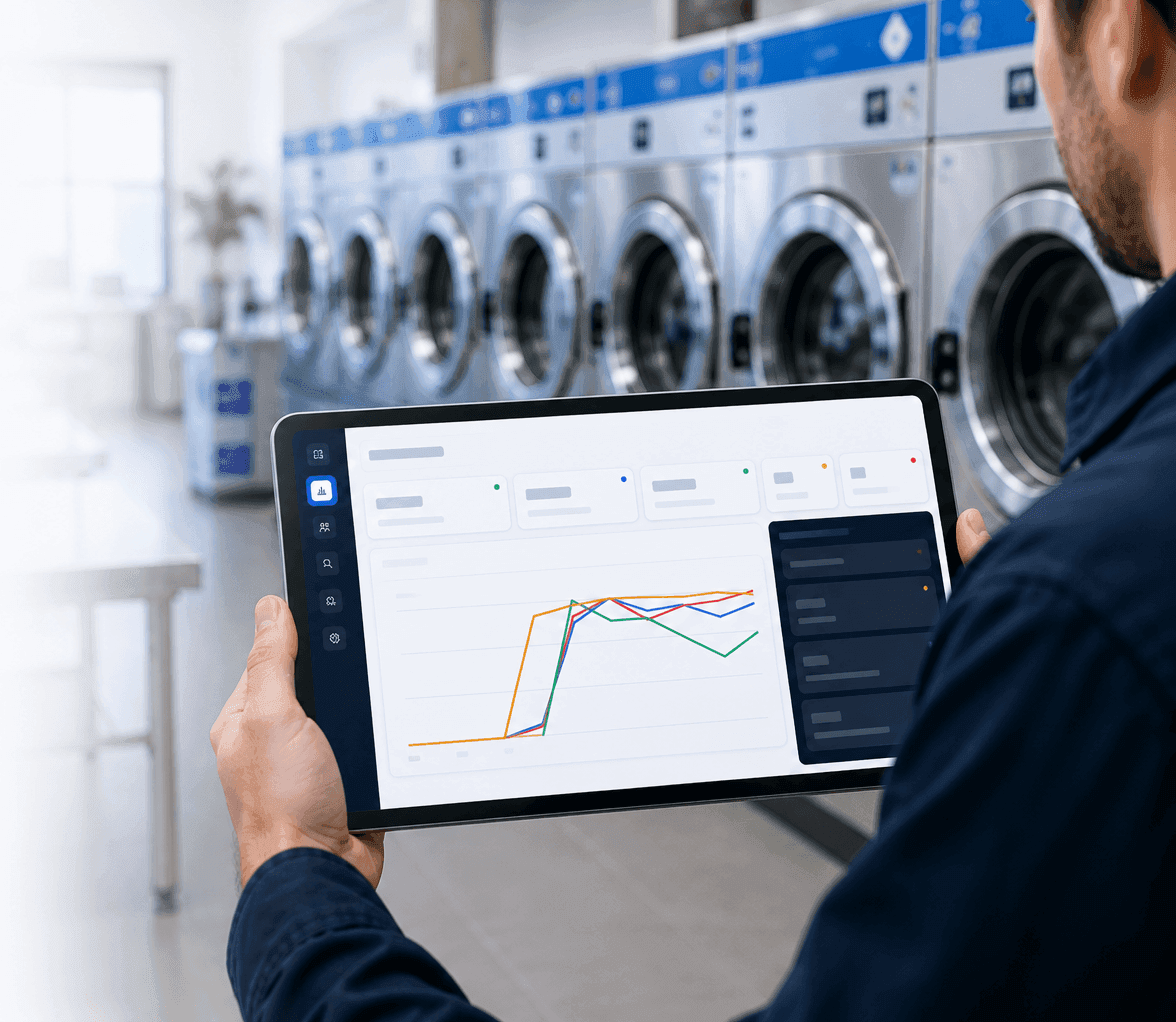
Trusted by operators who demand reliability
Why owners switch
Five things nobody else does.
Your business is machines earning quarters. Every hour one sits broken is money gone. This is the software that treats it that way.
01
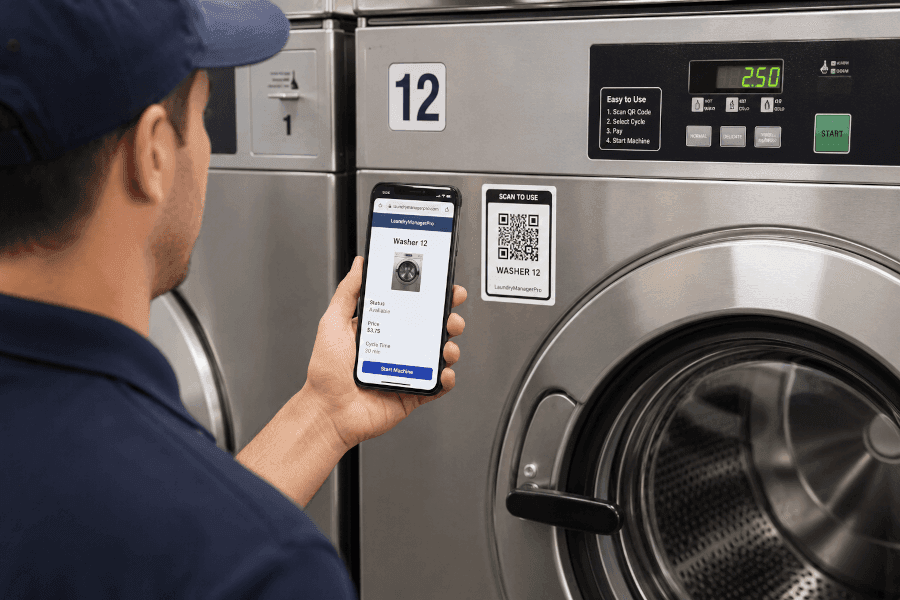
A QR sticker on every machine.
Print labels, stick them on. Anyone points a phone camera at one and lands on that exact machine — status, open repairs, history — with a one-tap “report issue” button that already knows which machine it is. No app to install, no menu to navigate.
Kills “nobody told me it was broken until Tuesday.”
02
Outside vendors get a link, not an account.
Send your repair company a private link to one specific job. They see the machine, the problem, and the history, and can post updates, photos, and status changes — no login, no seat fee, no visibility into anything else in your business. Revoke anytime.
Every competitor charges for a vendor seat or leaves you chasing texts.
Dryer #07 — heating element
NO LOGIN NEEDEDA&M Appliance · Tue 9:40am
Part ordered — element + thermostat. ETA Thursday.
A&M Appliance · Thu 1:15pm
Installed and tested. Photo attached. Marking repaired.
Status: Repaired — awaiting back-in-service check
Earning its keep — Downtown Wash
Dryer #05: $1,840 repair spend · 11 days down this year → replacement watchlist
03
Machine-level profitability.
Every machine ranked by whether it earns its keep — revenue contribution, annual cost burden, repair spend, downtime cost, and share of your total burden. Machines crossing the line land on a replacement watchlist.
Turns “that dryer feels like a problem” into a number you can budget against.
04
Preventive maintenance that runs itself.
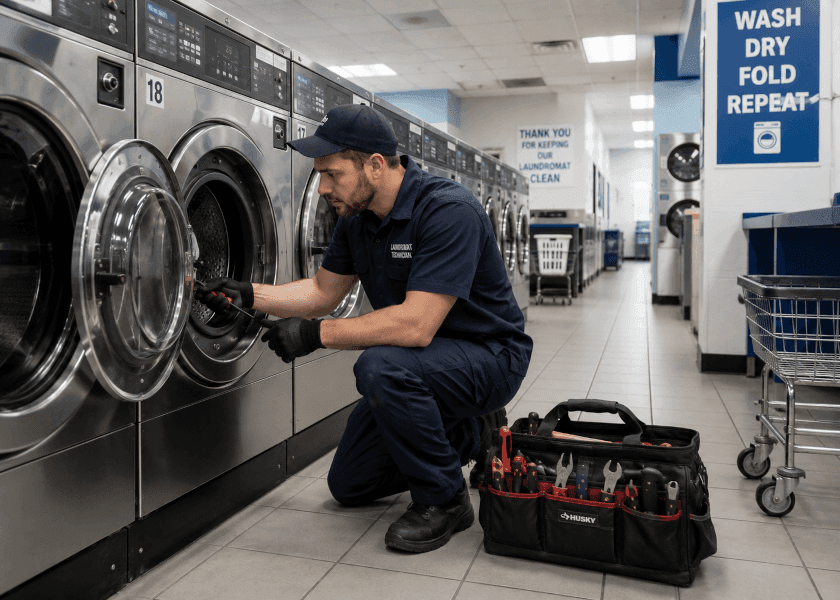
Put a machine on a schedule once. Work orders generate automatically before the morning shift, arriving with their checklist already attached. Completing one rolls the schedule forward.
PM programs die because someone has to remember. This one doesn’t.
05
Downtime, measured honestly.
“The repair is finished” and “the machine is earning again” are different moments. We measure the second one — the number that maps to lost revenue. Most systems conflate the two.
The metric owners actually care about.
Repair closed
Tue, 2:14pm
Earning again
Wed, 9:30am
19 hours of revenue lost after the repair was “done.” Now you know.
Today, not last week
Start the day knowing exactly where to look.
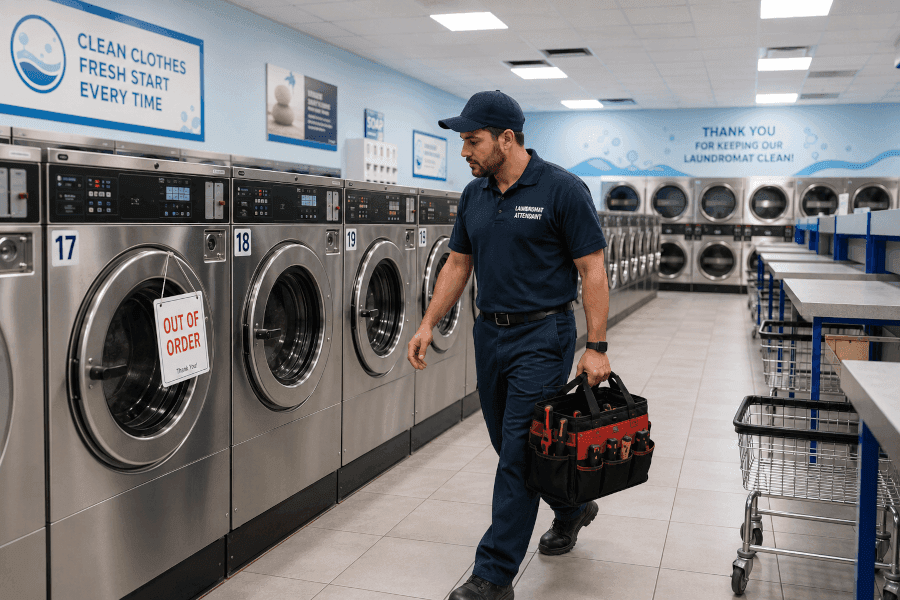
One view across every location: what’s broken, who’s on it, what’s taking too long, and which machine keeps coming back. Stop scrolling through texts.
And the rest of the toolbox.
Everything below is included at every location. There are no tiers to unlock.
English & Español throughout
The entire interface — about 4,800 strings — switchable from any screen.
Multi-store comparison
Locations ranked across nine dimensions. See which store is the outlier, and on what.
Staff see only their stores
Access scoped per location, enforced at the database — not hidden in the interface.
Parts & truck stock
Reorder levels, low-stock alerts, and parts assigned to each technician’s van.
Utility bill anomaly alerts
Log water, gas, electric, sewer. A bill 1.5× the rolling average raises a flag.
Vendor scorecards
Compare repair companies on spend, overdue rate, downtime held, and rework.
Monday morning digest
A weekly email: aging repairs, machines down too long, overdue maintenance.
Floor plan view
Drag machines into their real positions, color-coded by status.
Fleet import
Paste your machine list from a spreadsheet, validated row by row.
Pricing that fits in your head
One flat price per location.
No tiers. No setup fee. No contracts. Unlimited machines and team members at every location — every feature included.